Configuring organization settings
Everything here lives under Organization in the left sidebar, and (aside from General) is admin-only to change.
General
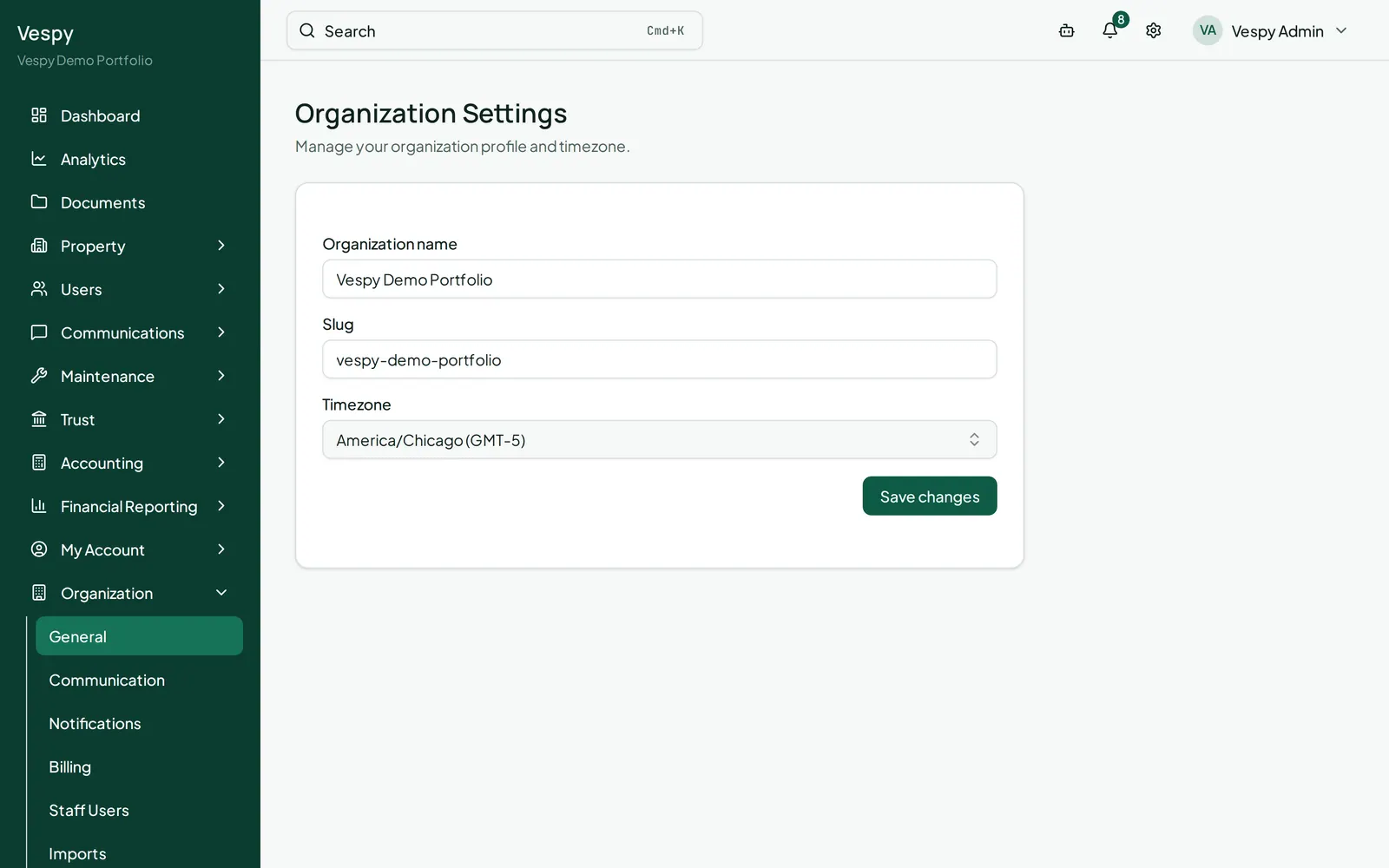
Section titled “General”Organization > General — your organization’s Name, Slug, and Timezone. Staff and managers see this read-only; only an admin can save changes.
Communication
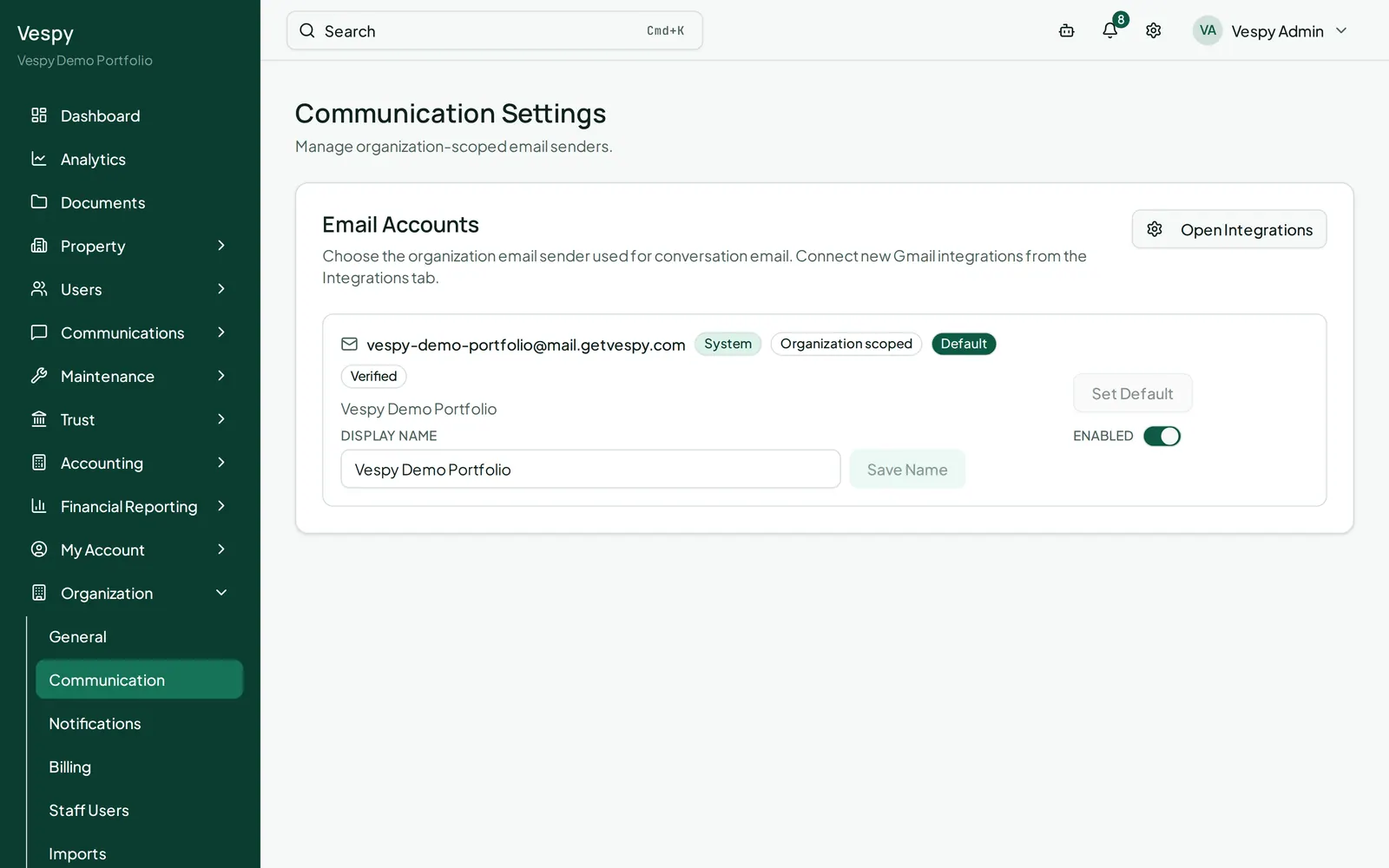
Section titled “Communication”Organization > Communication — manages the email accounts your organization sends from when messaging tenants and vendors. Each account shows its address, a provider badge (System or Gmail), and Default/Verified status. You can edit an account’s Display name, Set Default, and toggle it Enabled/Disabled.
Notifications
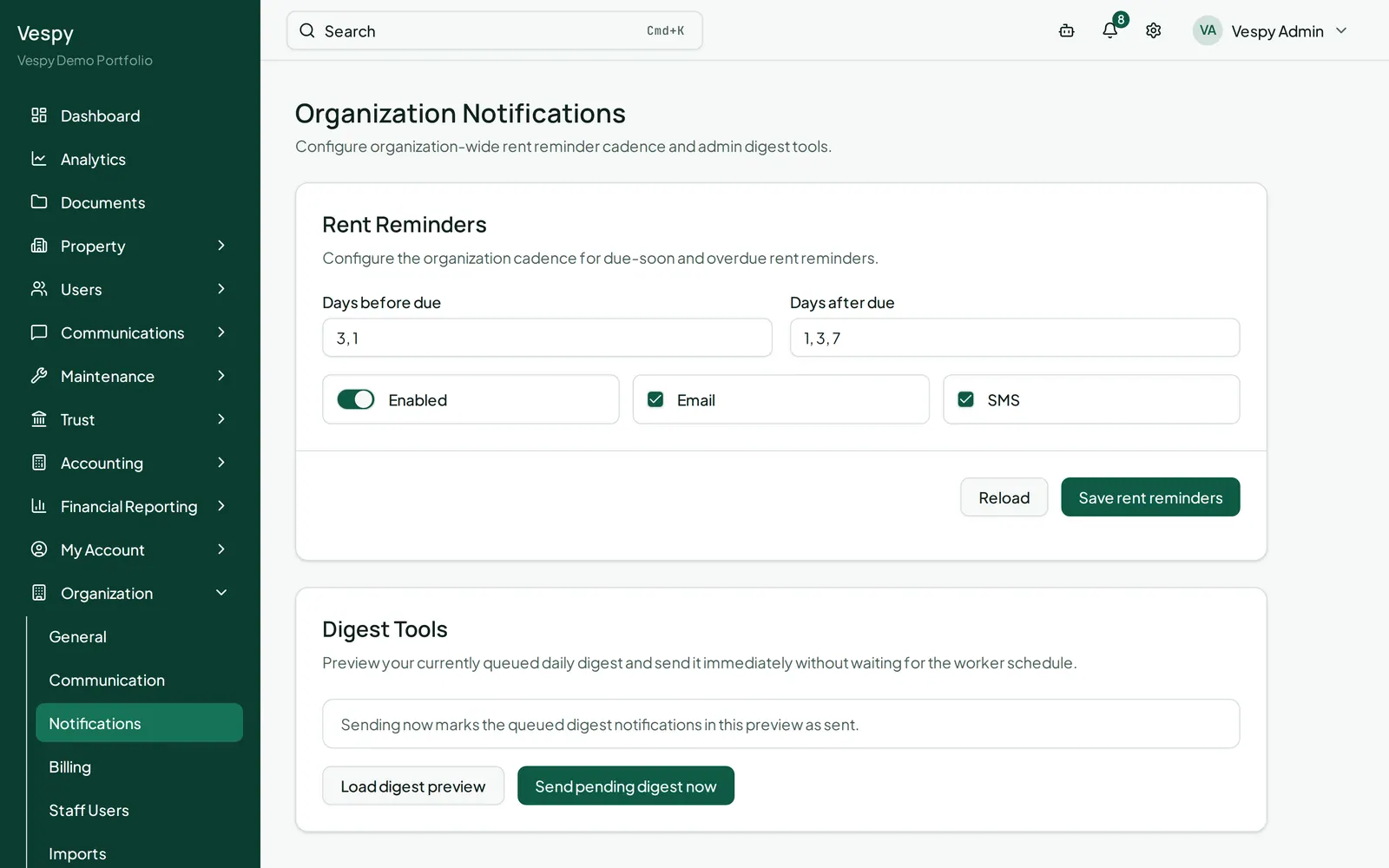
Section titled “Notifications”Organization > Notifications — two things here:
- Rent Reminders — how many days before and after rent is due tenants get reminded, which channels (Email/SMS), and an on/off toggle.
- Digest Tools (admin only) — Load digest preview shows what the next scheduled digest email will contain, and Send pending digest now sends it immediately instead of waiting for the scheduled time.
Payments
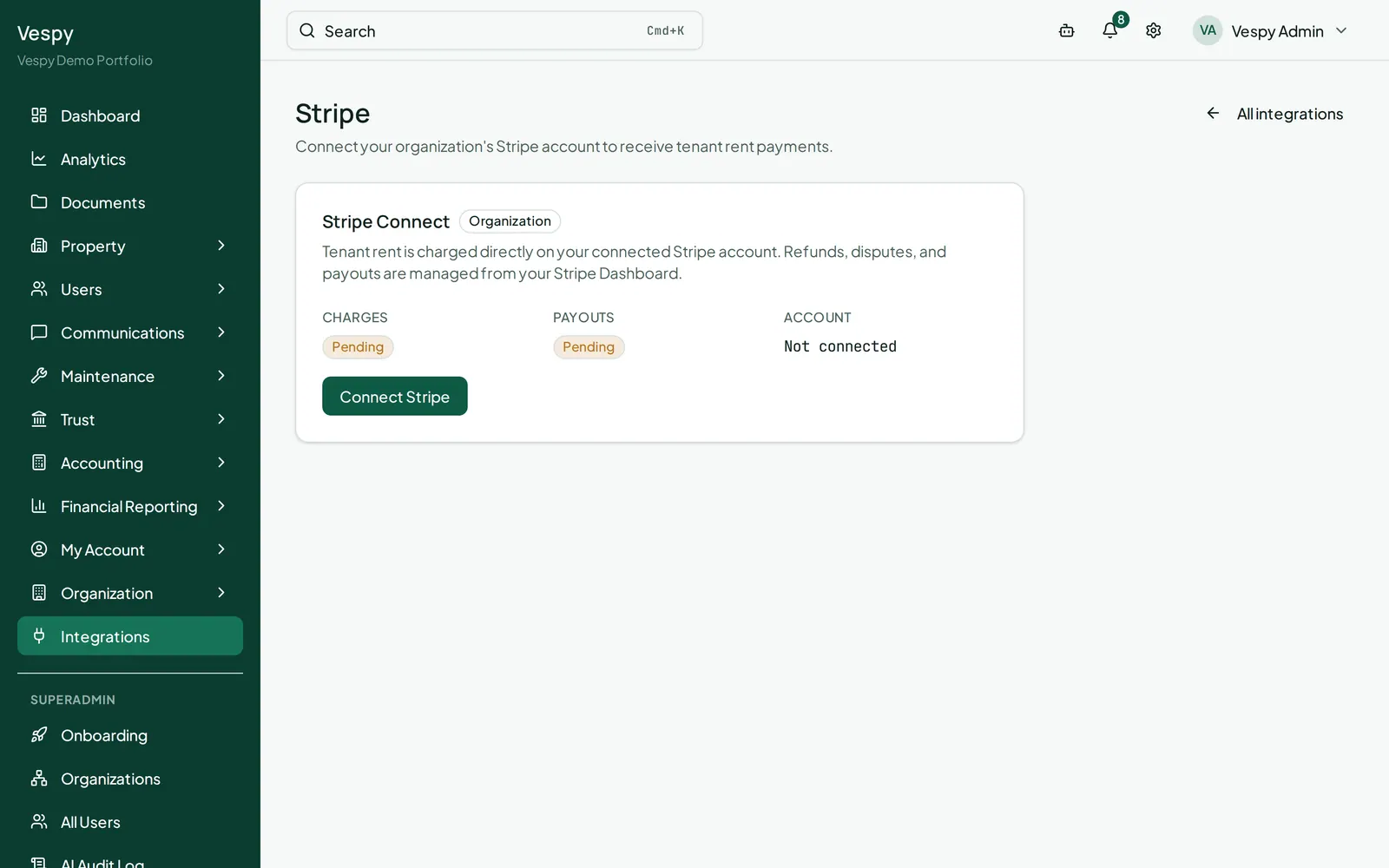
Section titled “Payments”Organization > Payments — connects your Stripe account so tenants can pay rent online. Click Connect Stripe (or Continue Stripe setup if you started but didn’t finish) to go through Stripe’s hosted onboarding. The page shows whether charges and payouts are enabled once you’re set up.
Billing
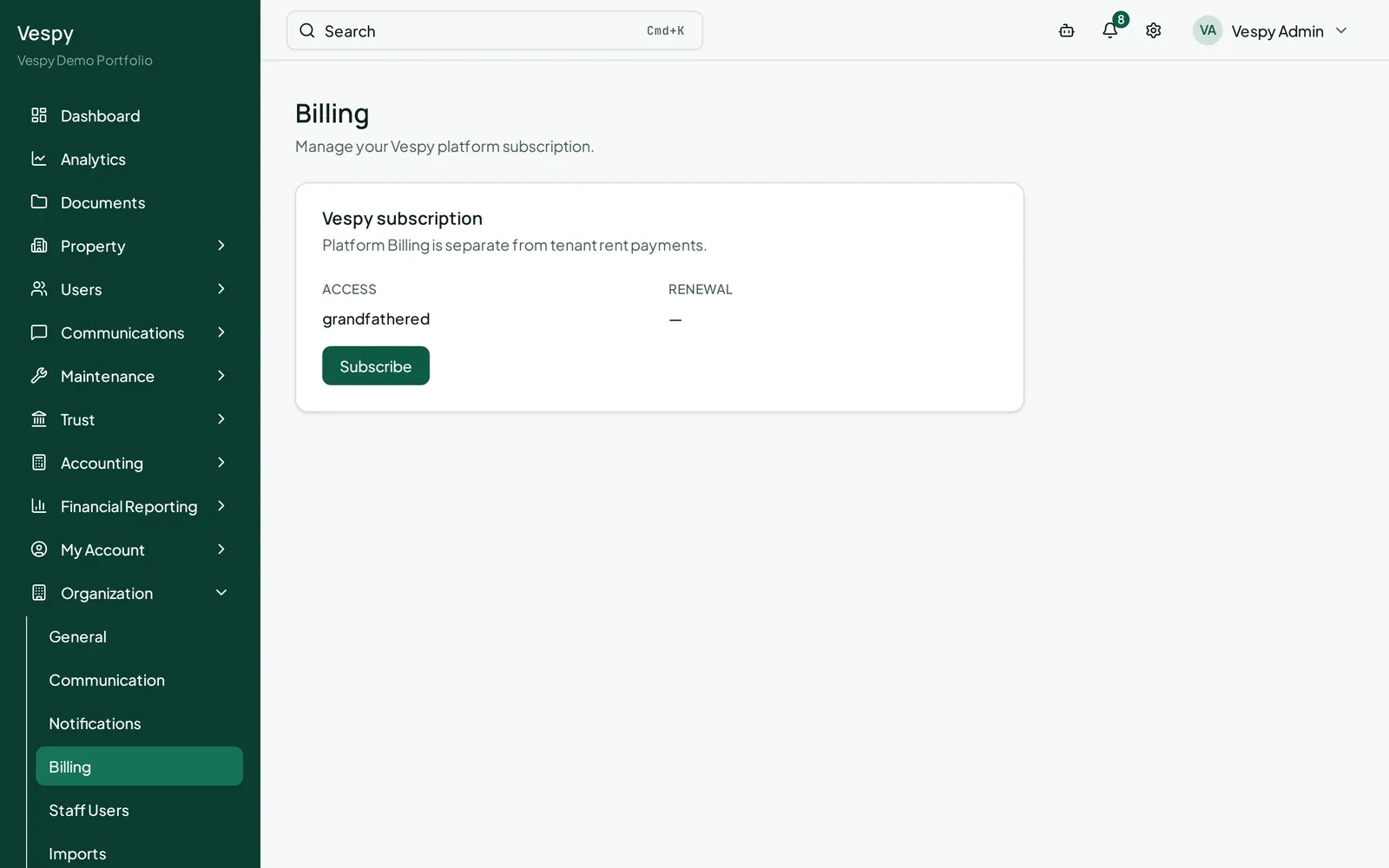
Section titled “Billing”Organization > Billing — this is your organization’s own Vespy subscription, not tenant rent payments. Shows your access mode and renewal date, with Subscribe or Manage billing buttons that open Stripe’s hosted checkout/billing portal.
Afterwards
Section titled “Afterwards”- Bulk-importing your portfolio data via CSV — also under the Organization menu.
- Connecting Gmail — connect a new email account for your organization or yourself.
- Syncing with QuickBooks Online — connect your accounting system and export your books.