Uploading your compliance documents
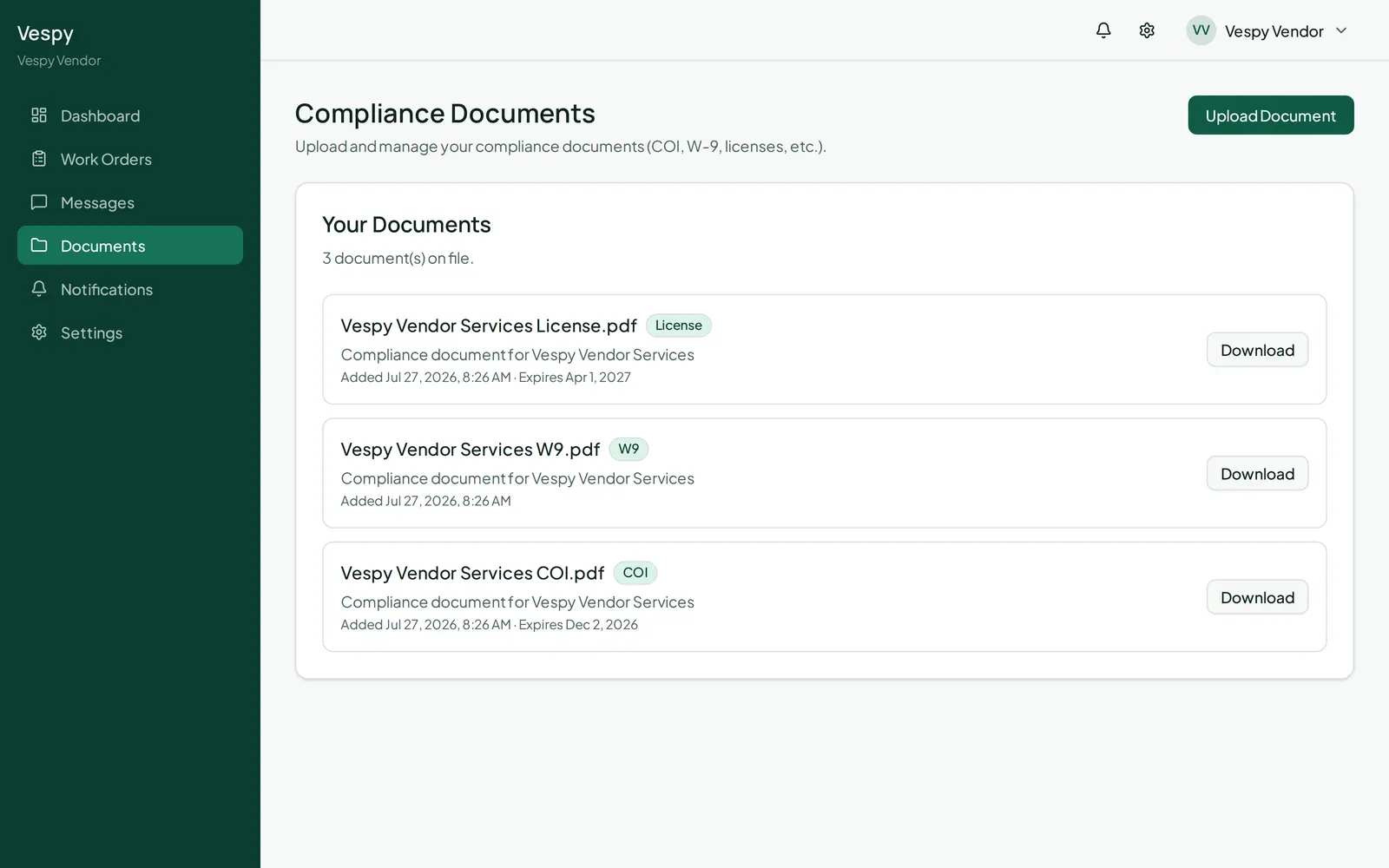
Go to Documents in your portal to manage the paperwork property managers need on file for you.
Checking your status
Section titled “Checking your status”A banner at the top calls out anything missing, expired, or expiring soon — or confirms you’re fully up to date.
Uploading a document
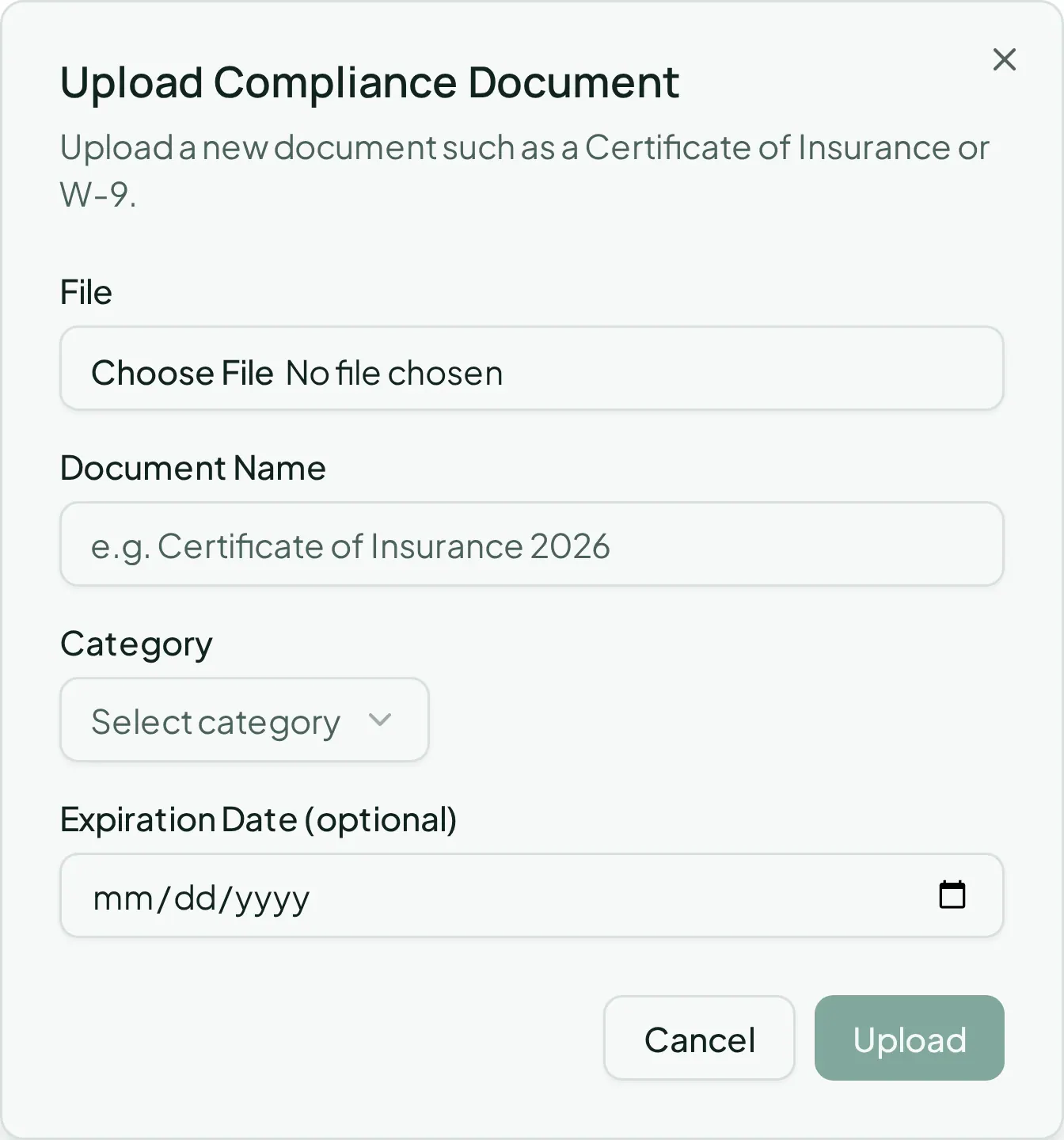
Section titled “Uploading a document”Click Upload Document:
- Choose a file — its name pre-fills the Document Name field, editable if you want something clearer
- Category — Certificate of Insurance (COI), W-9, License / Certification, Contract, or Other
- Expiration Date (optional) — set this so you (and property management) get ahead of anything about to lapse
Your documents list shows category, description, when it was added, and its expiration date, each with a Download button.