Renewing or terminating a lease
A lease reaching its end date doesn’t do anything on its own — you decide whether it renews or ends. Both actions live on the lease’s own page, and only show up once the lease is Active.
Renewing
Section titled “Renewing”Open the lease and click Renew. It creates a new lease rather than editing the old one, so the original stays exactly as it was for your records:
- Term type — Fixed term or Month-to-month
- Start date — defaults to the day after the current lease ends
- End date (fixed term only) — defaults to about a year later
- Move-in date — defaults to the start date
- New monthly rent — defaults to the current rent; change it if the rent is going up
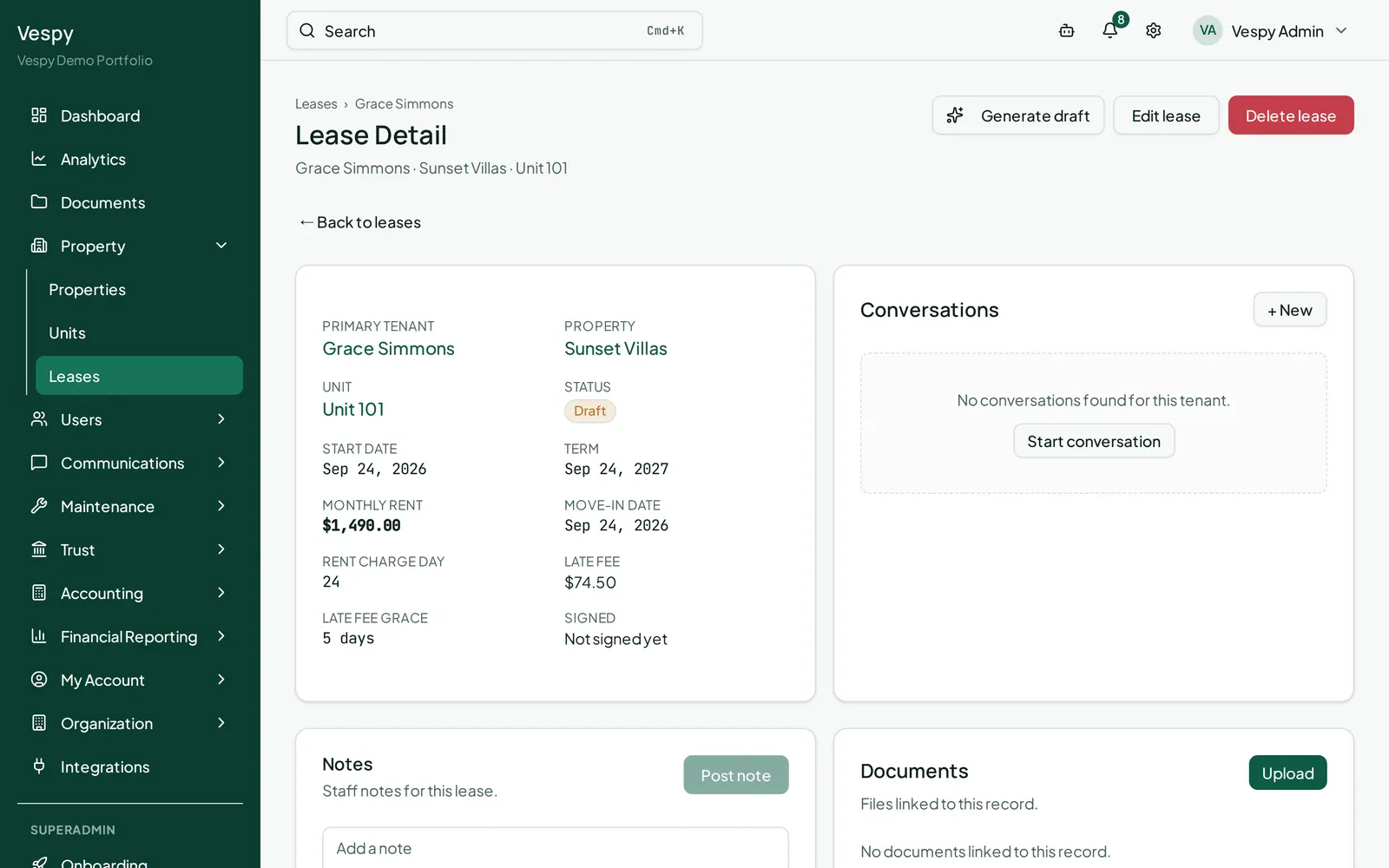
Click Renew lease, and you’re taken straight to the new lease’s page. Anything you didn’t change — occupants, late fee terms — carries over automatically.
Terminating
Section titled “Terminating”Open the lease and click End lease early:
- Termination date
- Check Generate prorated final rent charge if you want the last rent charge adjusted to the actual number of days occupied rather than the full period — you’ll see an estimate on screen (the exact number is calculated when you confirm).
- If there’s a security deposit still held on this lease, a Security Deposit Reconciliation section appears: add deductions (a reason and an amount for each), and the Calculated Refund updates live as you go.
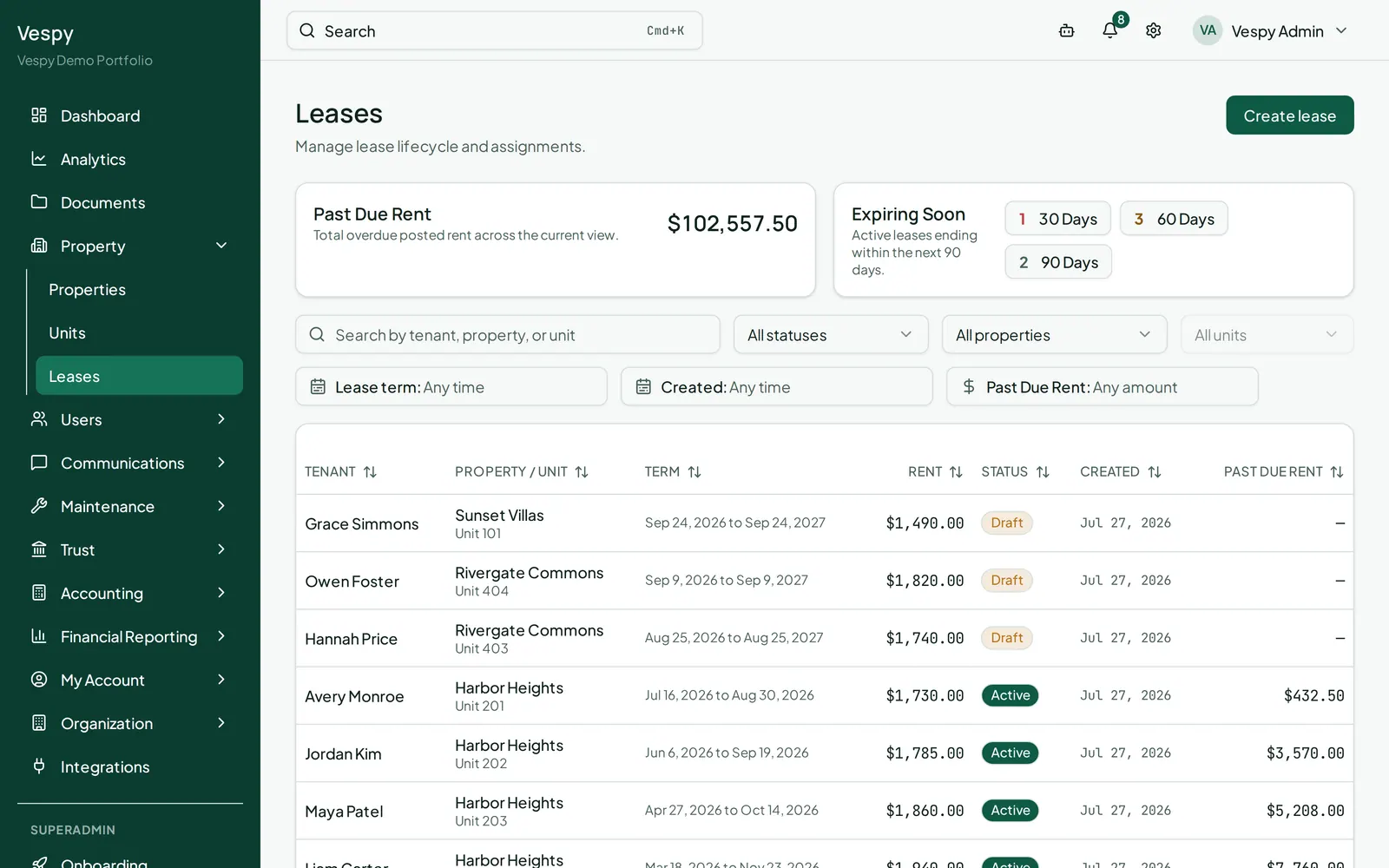
Click Confirm Termination. This is disabled if your deductions add up to more than the deposit on hand — fix the numbers rather than trying to push it through.
Afterwards
Section titled “Afterwards”- Onboarding a property — the unit is vacant again and ready for the next lease.
- Handling a security deposit — the full deposit workflow, if you didn’t settle it here.