Connecting Gmail
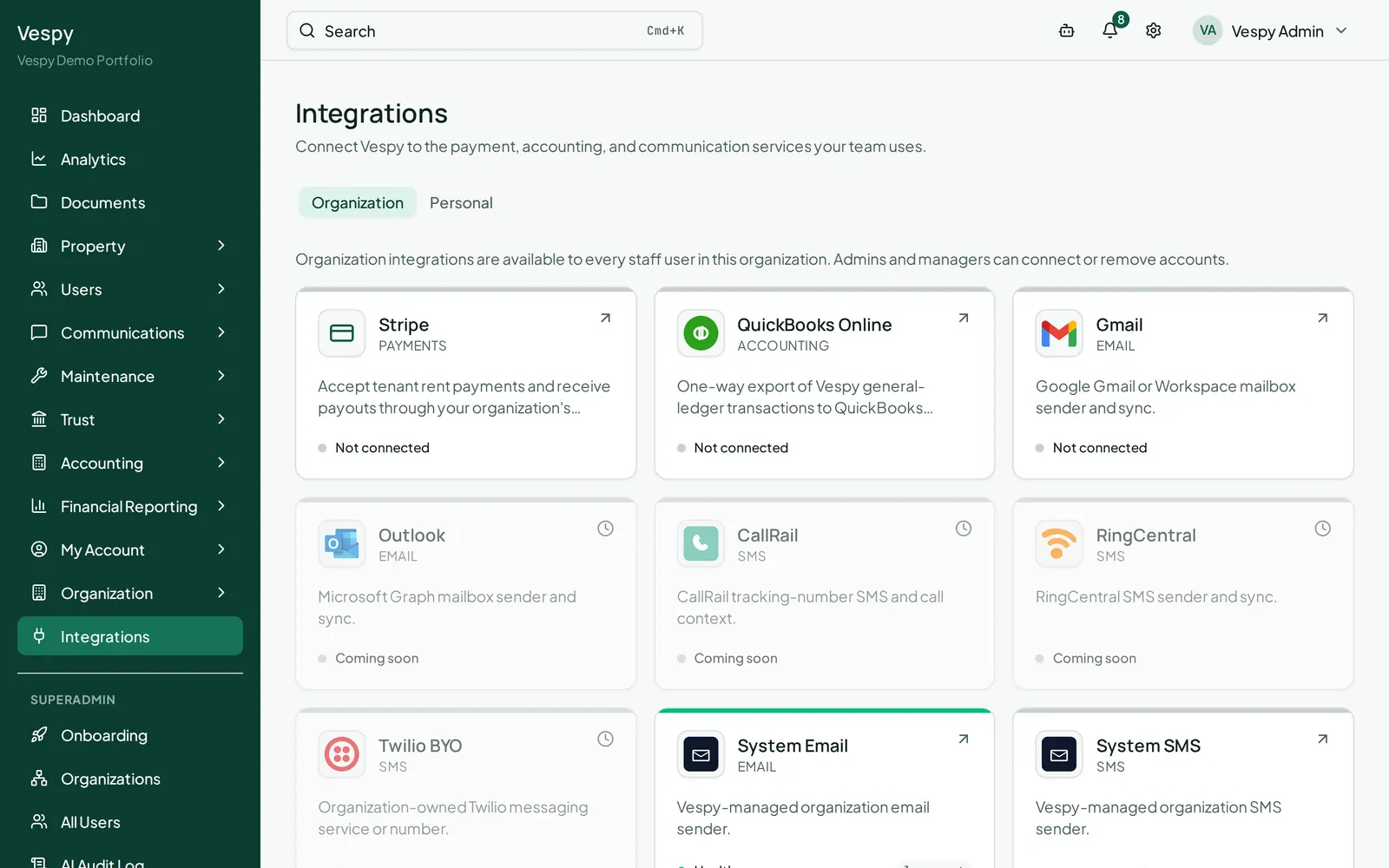
Go to Integrations in the top navigation. Each integration card shows a health status — Healthy, Degraded, Expired, Revoked, or Not connected.
Choose who can use the account
Section titled “Choose who can use the account”Gmail connections can have one of two scopes:
- Organization connections are shared with your team. Only admins or managers can connect or remove one.
- Personal connections are visible only to you.
Choose the tab that matches how the account should be used, then click Connect Gmail (or Connect another Gmail if an account is already connected).
Authorize Gmail
Section titled “Authorize Gmail”Vespy redirects you through Google’s sign-in and consent flow, then returns you to the Integrations page with a confirmation banner.
Your first connected account becomes the default automatically. If you connect more than one, use Set as default on the account Vespy should use going forward.
Select Remove to disconnect an account. Vespy will stop syncing with it and sending mail from it.
Afterwards
Section titled “Afterwards”- Configure organization settings — set a connected account’s display name, default status, and availability.
- Message tenants and vendors — use the connected account in day-to-day communication.