Using the AI portfolio assistant
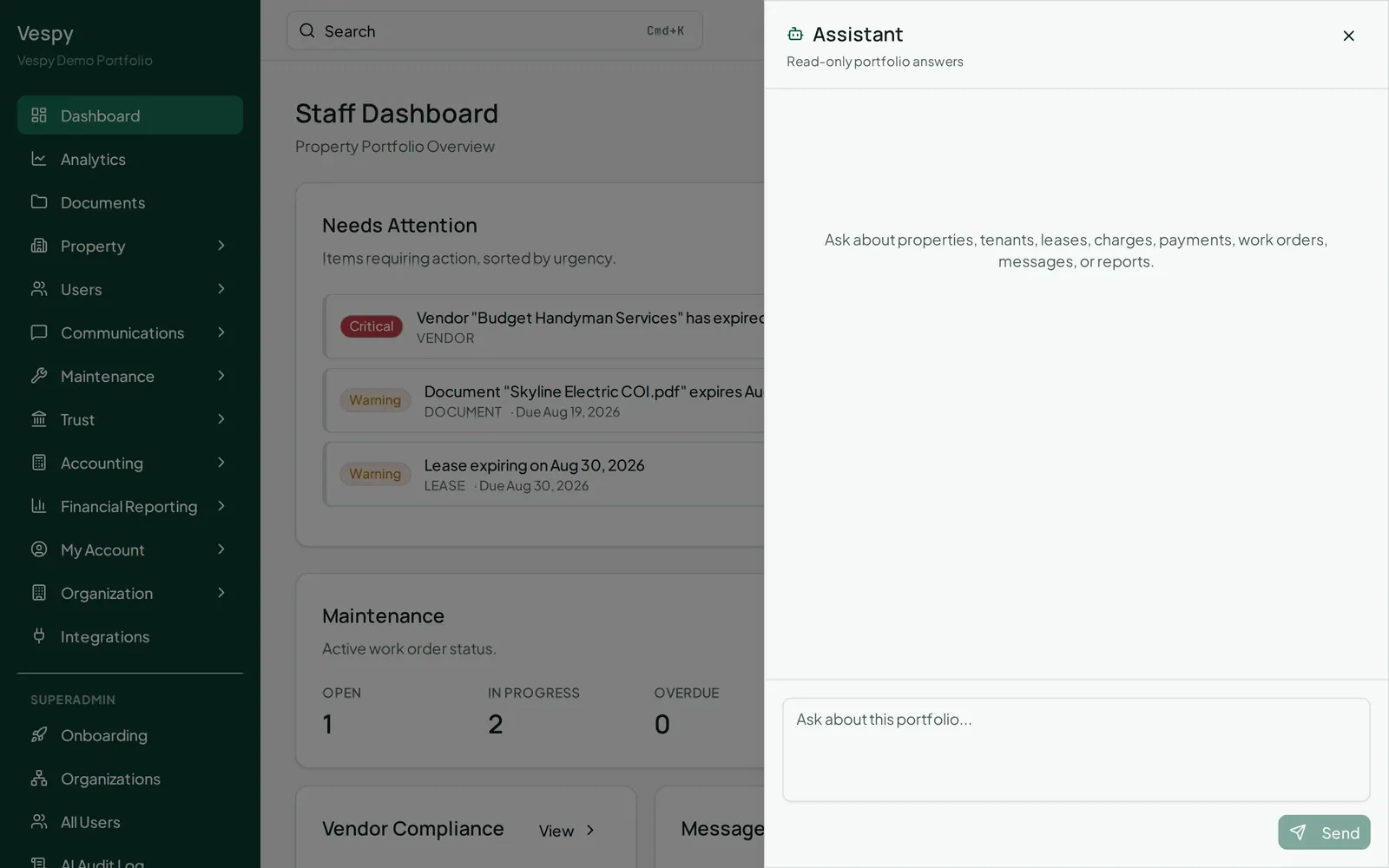
Click the assistant icon in the top navigation, from anywhere in the app, to open a side panel for asking questions in plain language — about properties, tenants, leases, charges, payments, work orders, messages, or reports.
Asking a question
Section titled “Asking a question”Type your question and the answer streams in as it’s generated. Click Stop if you want to cut a response short. The assistant is read-only — it answers questions about your data, but doesn’t create or change anything on your behalf.
Following a source
Section titled “Following a source”Answers that reference specific records show clickable source links below the response — clicking one jumps straight to that property, tenant, lease, or whatever it pointed to, and closes the panel.
Starting fresh
Section titled “Starting fresh”Your conversation sticks around as you navigate the app, so you can keep asking follow-up questions. Click Clear conversation (the trash icon) to start over.
Afterwards
Section titled “Afterwards”- Reading your portfolio analytics and Running and exporting financial reports — for questions better answered with a chart or an exportable statement.