Viewing and commenting on your work orders
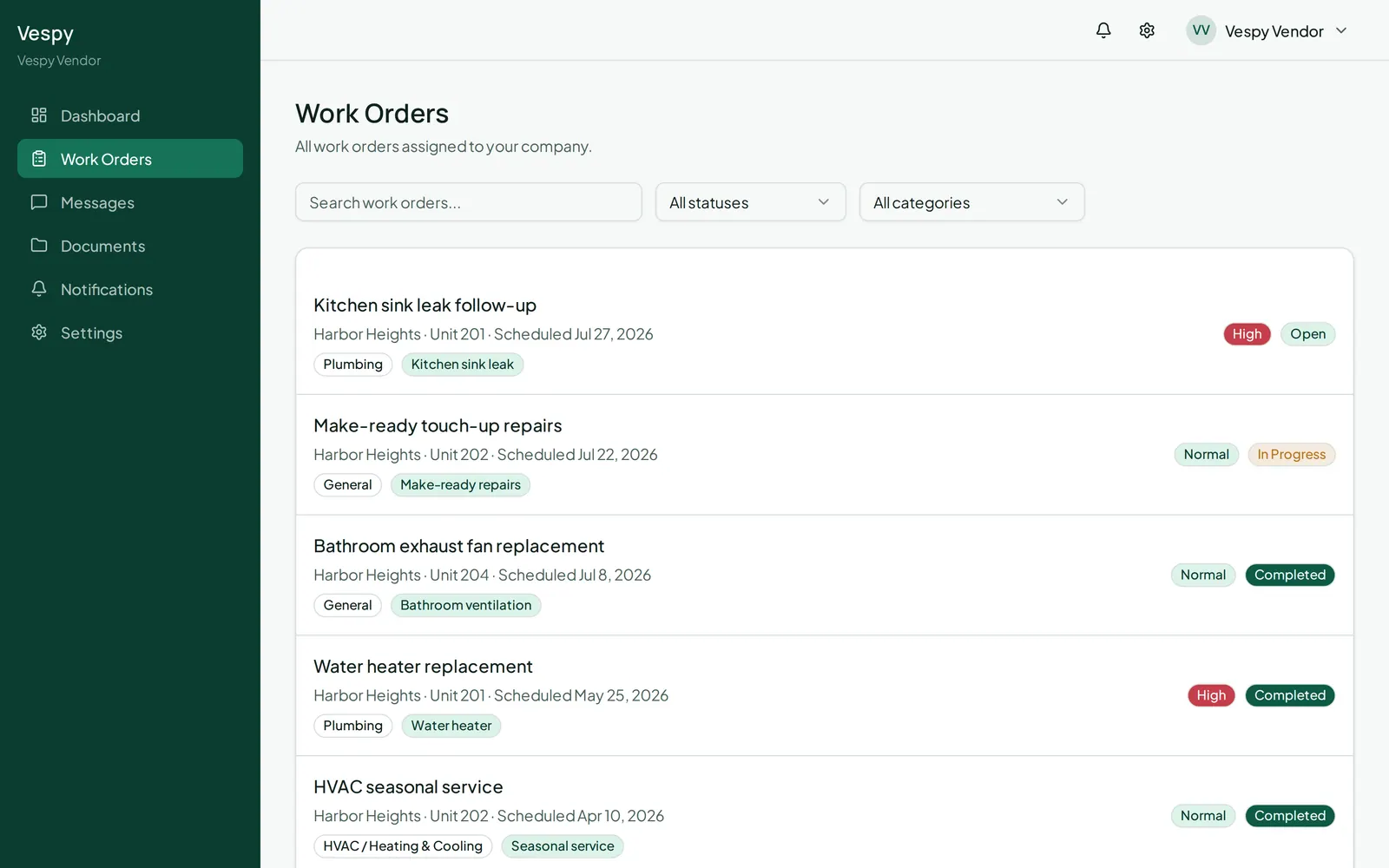
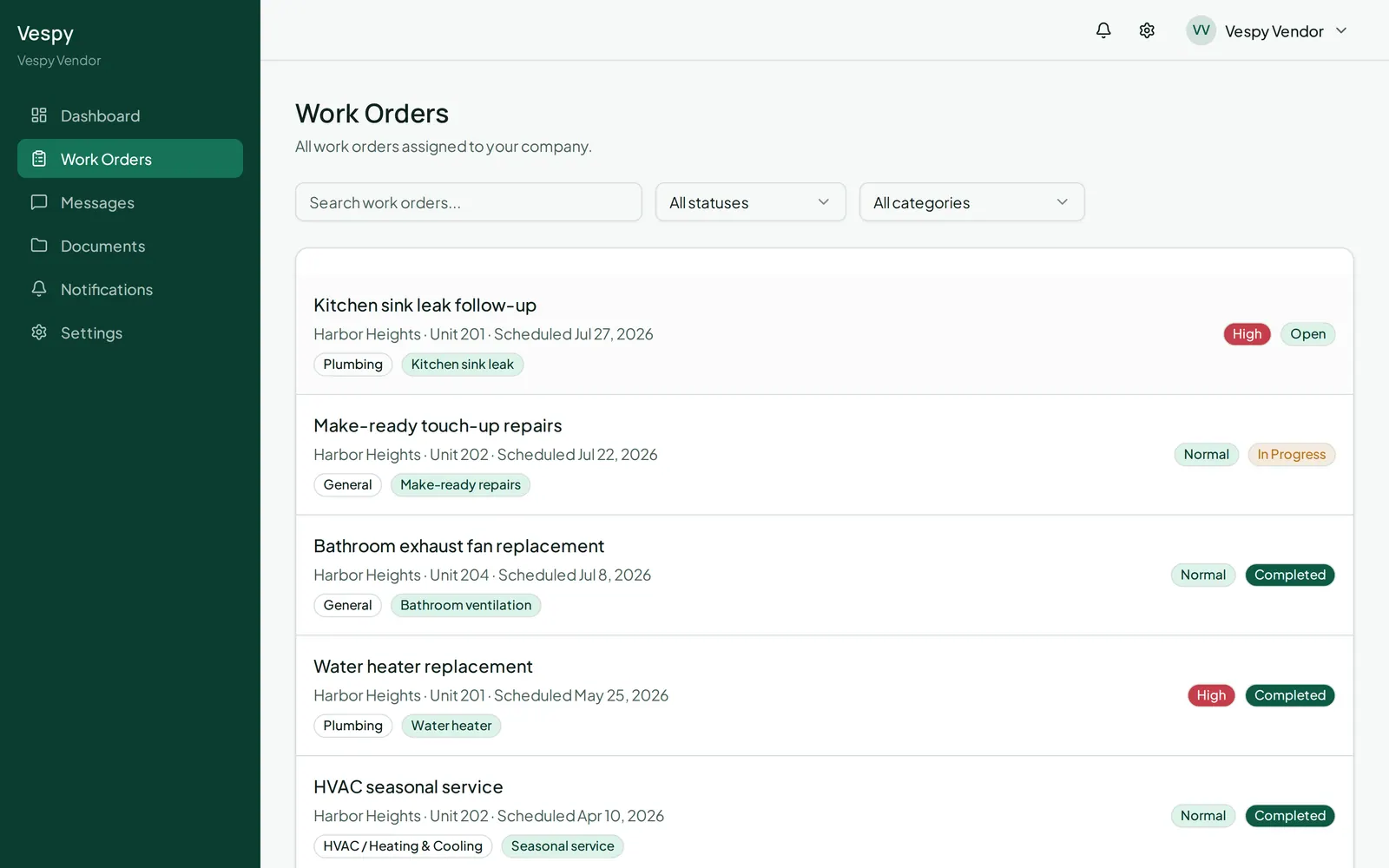
Go to Work Orders in your portal to see everything assigned to you. Search or filter by status or category to find a specific one.
Job details
Section titled “Job details”Open a work order to see the property and unit, scheduled date, description, category, entry instructions, and any attachments (each downloadable).
Staying in touch
Section titled “Staying in touch”Use Post comment to ask a question or give an update on your progress — your comments and any updates from staff show up together in a running feed, with who said what and when.