Messaging and notifications
Messaging
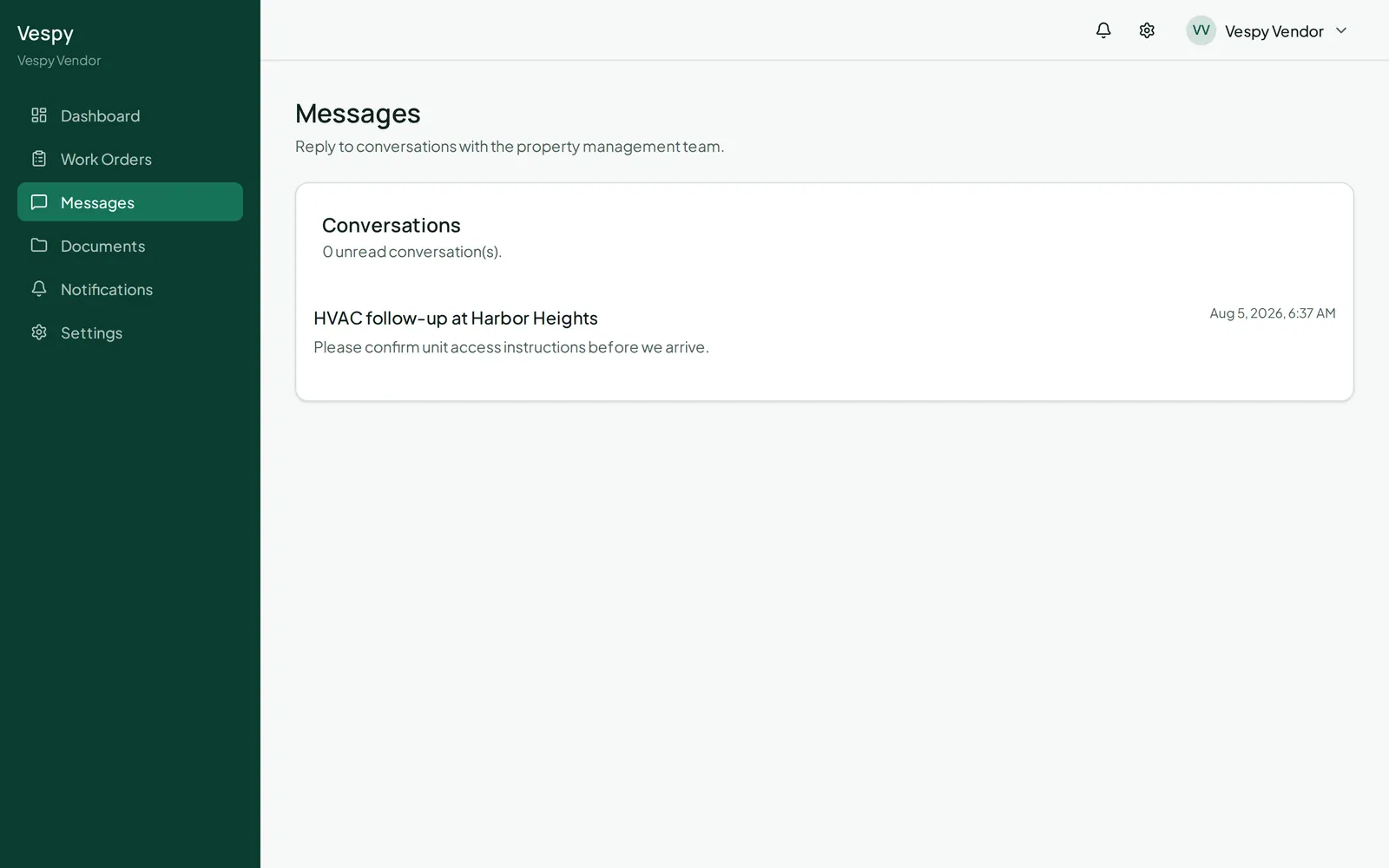
Section titled “Messaging”Go to Messages to see your conversations with property management, or start a new one. Open a thread to reply — as long as it’s still open — and use Export PDF if you want a copy for your records.
Notifications
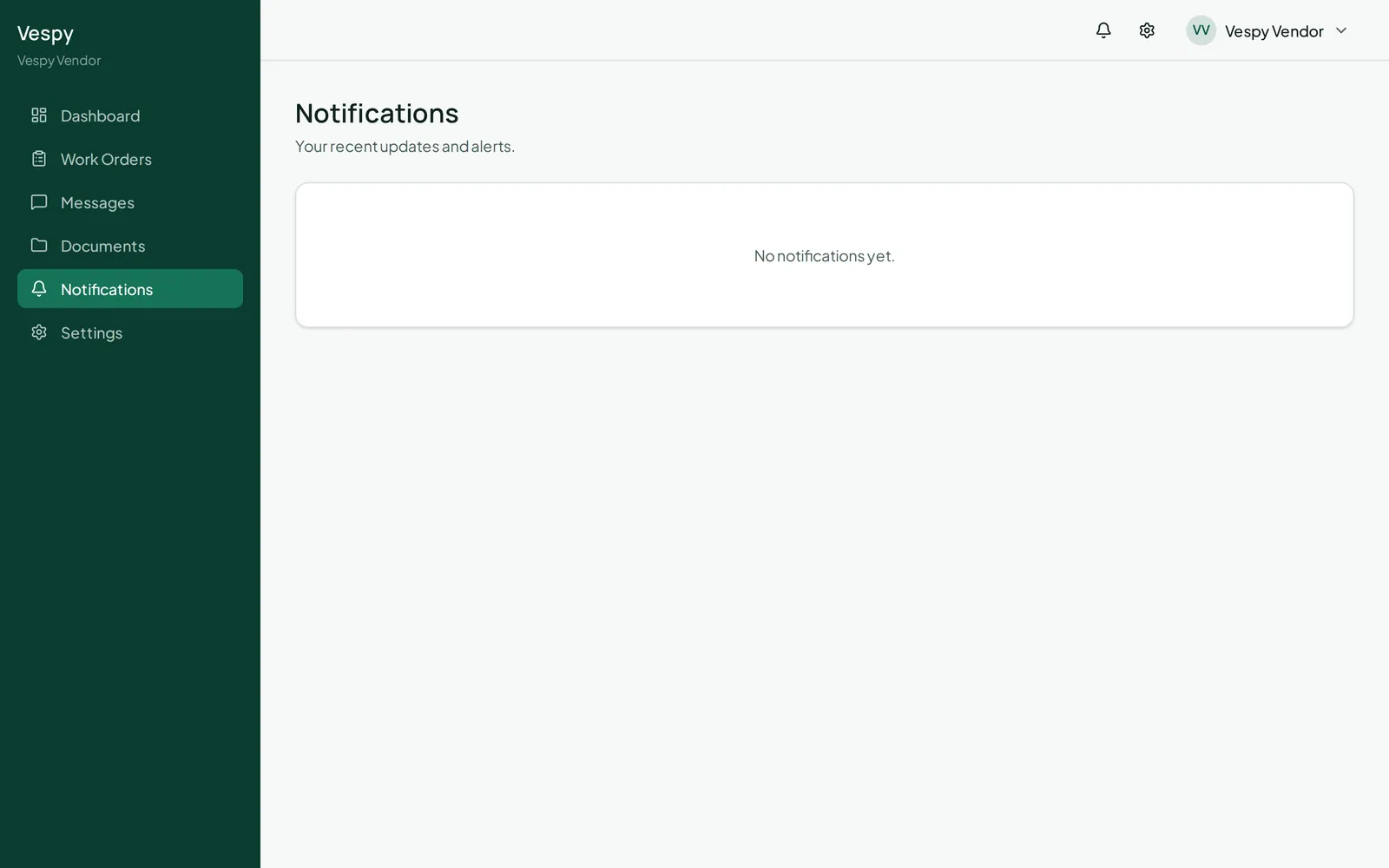
Section titled “Notifications”Notifications lists everything you’ve been alerted about; click one to mark it read and jump to whatever it’s about.
Your preferences
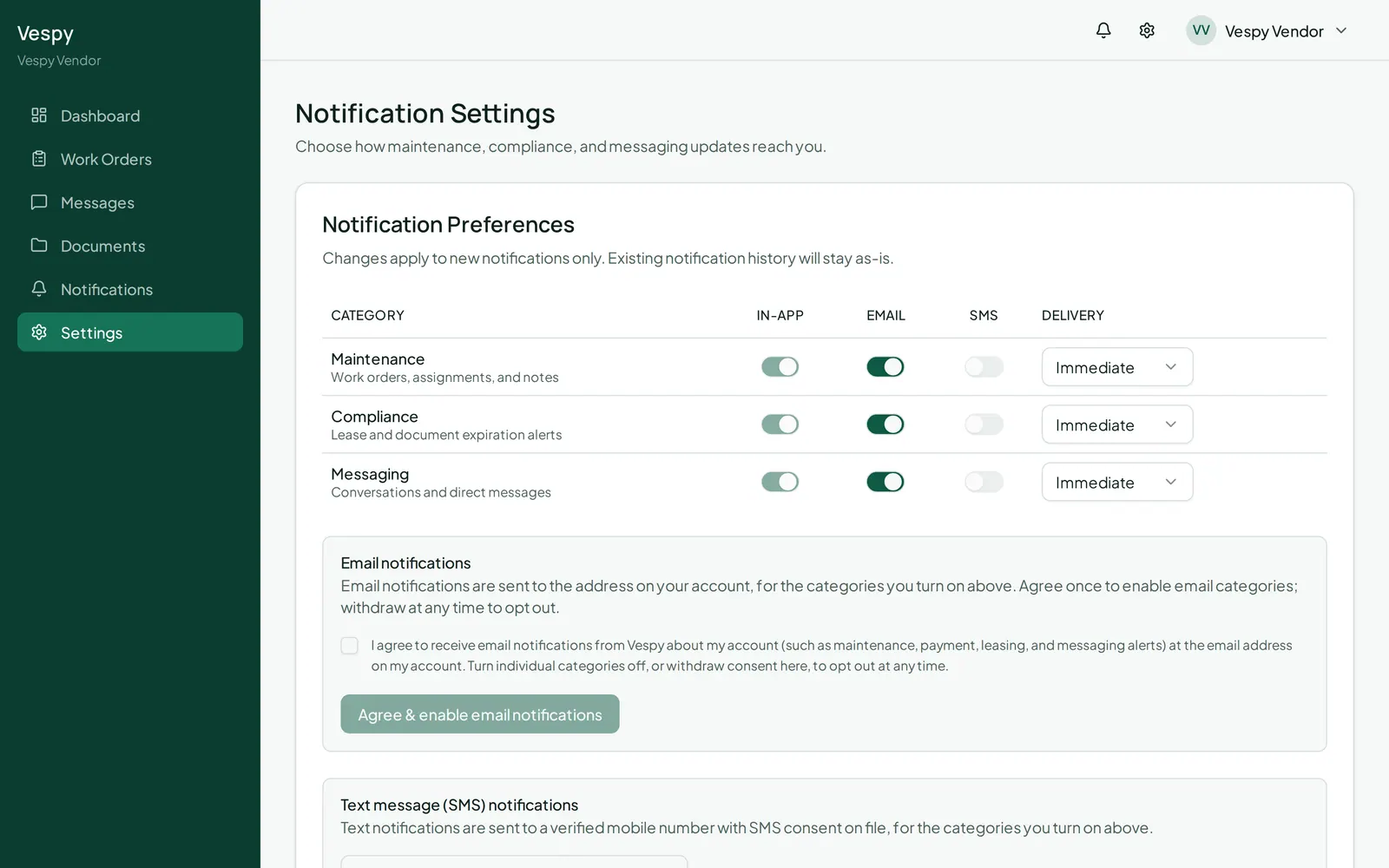
Section titled “Your preferences”Go to Settings — the only settings page you have, so it’s also where you’d look for anything account-related. Choose which categories (Maintenance, Compliance, Messaging) reach you by Email and SMS (in-app is always on), and whether email arrives immediately or as a daily digest. Turning on email or SMS requires a one-time consent step, and Send test notification buttons let you confirm each channel actually reaches you.