Viewing your lease and documents
Two read-only pages for reference — nothing to fill in, just information to check or download.
Your lease
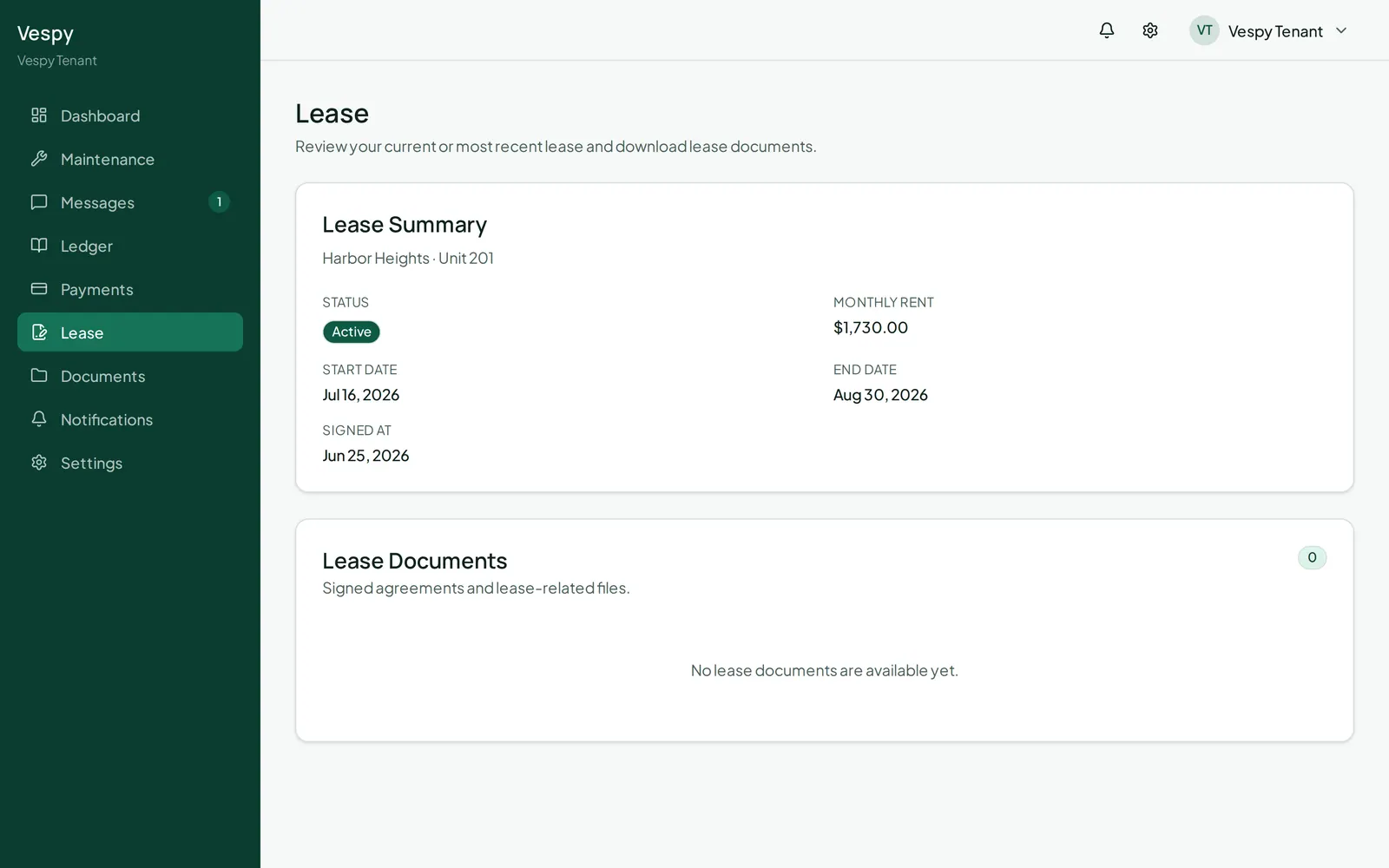
Section titled “Your lease”Go to Lease to see your lease status, monthly rent, start and end dates (or “Month-to-month” if that’s your term), and when it was signed. Any signed lease documents are listed here too, each with a Download button.
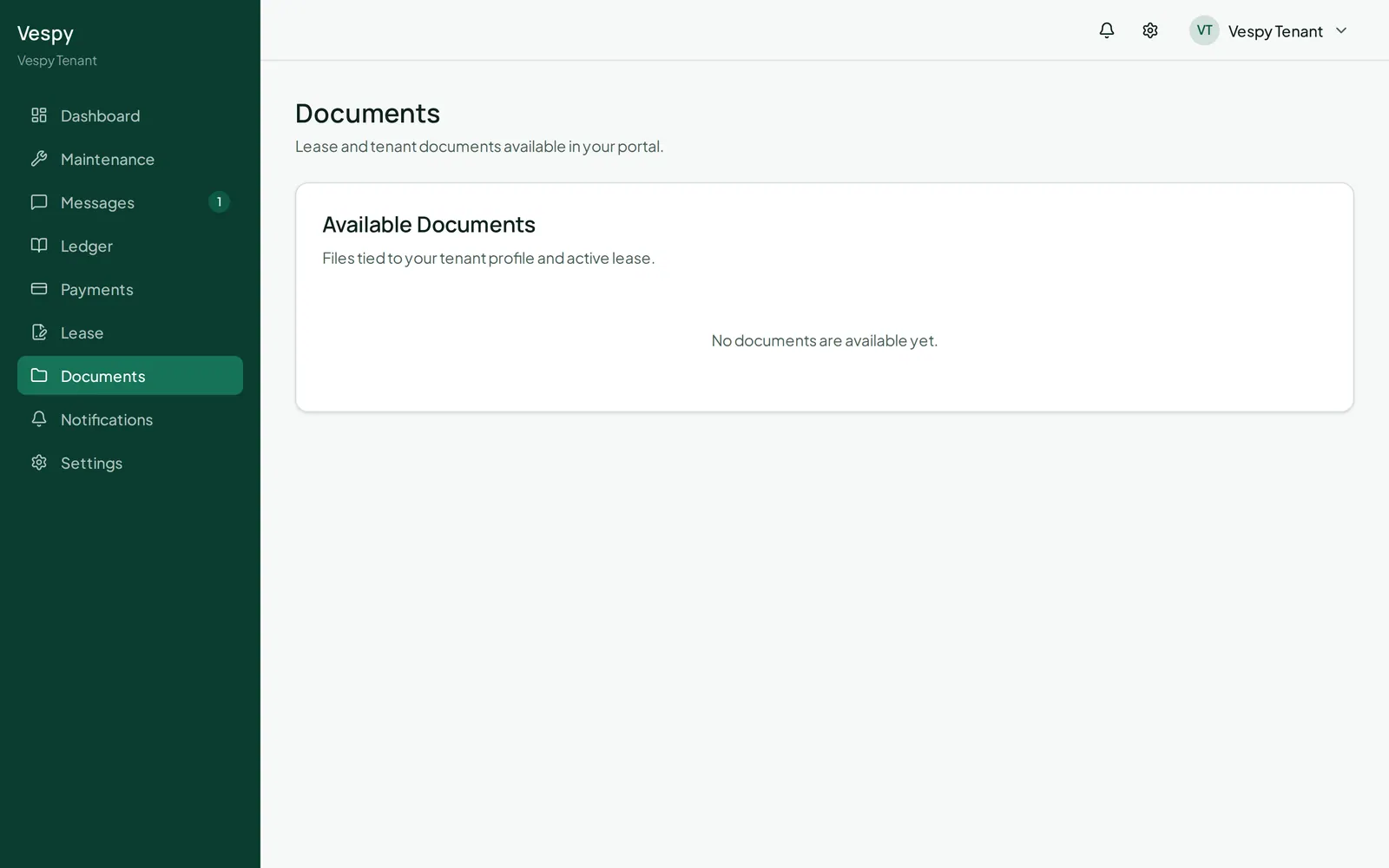
Your documents
Section titled “Your documents”Go to Documents for anything else property management has shared with you — each one downloadable.