Getting started as a vendor
If a property manager has invited you to the vendor portal, you’ll get a link by email.
1. Accept your invite
Section titled “1. Accept your invite”Click the link. It validates automatically — if it’s expired or already used, you’ll see a message saying so; ask for a new one. Otherwise, you’re taken to create your account: your email is pre-filled, your name is pre-filled but editable, and you just need to choose a password. Click Create account and you’re in — no extra steps after this.
2. Your dashboard
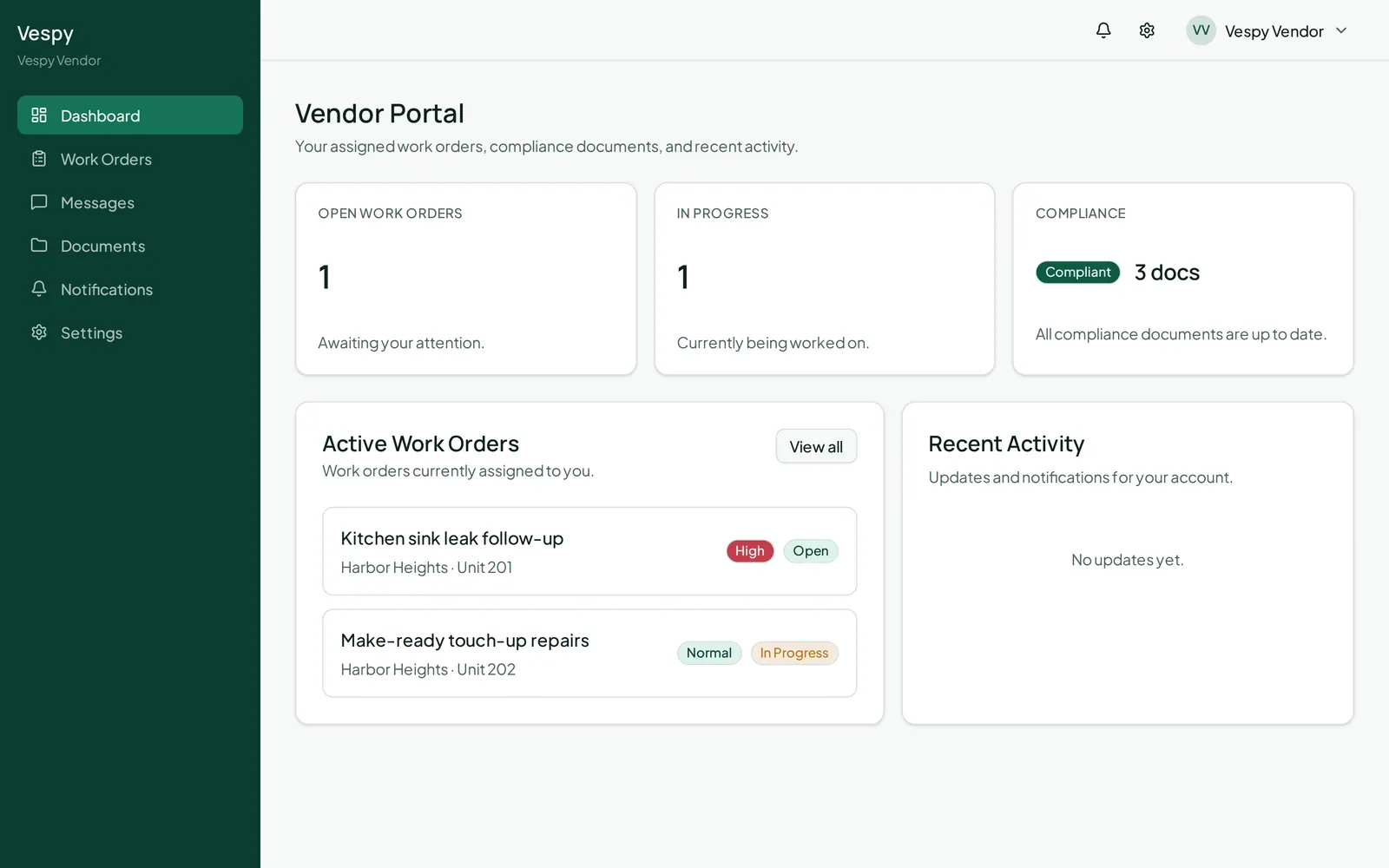
Section titled “2. Your dashboard”You’ll land on your dashboard, showing your open and in-progress work order counts, and a compliance status — flagging anything missing or expiring soon on your documents, or confirming everything’s up to date. Below that, your active work orders and recent activity.