Messaging property management
Go to Messages in your portal to reach out to property management directly.
Start or continue a conversation
Section titled “Start or continue a conversation”Click Contact Management to open a compose box — add a subject (optional) and your message, then Send. Existing conversations are listed below, each showing the last message and whether it has anything unread.
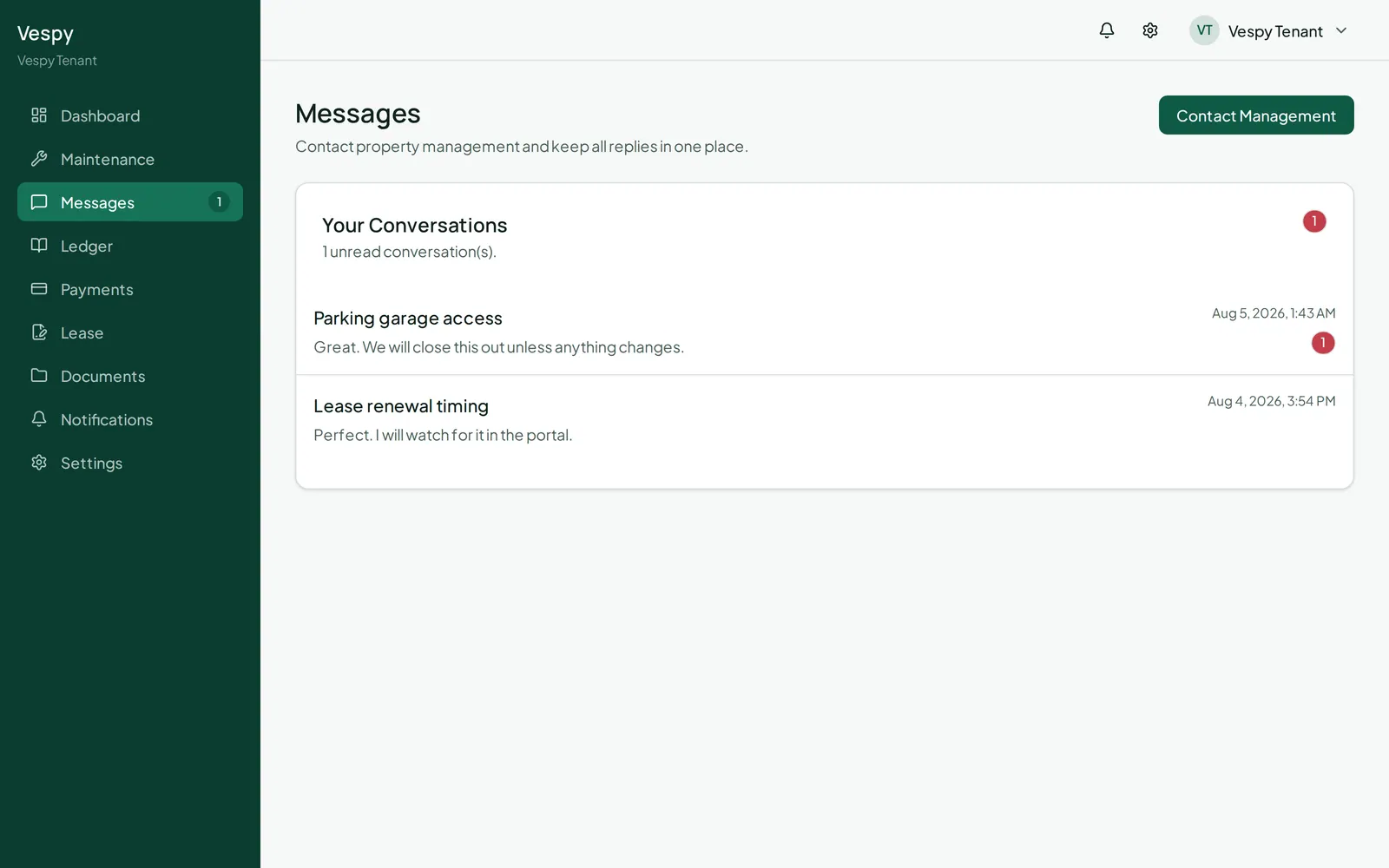
Open a conversation to see the full back-and-forth and reply from there. You can keep replying as long as the conversation is still open; once property management closes it, the reply box goes away.
Notifications
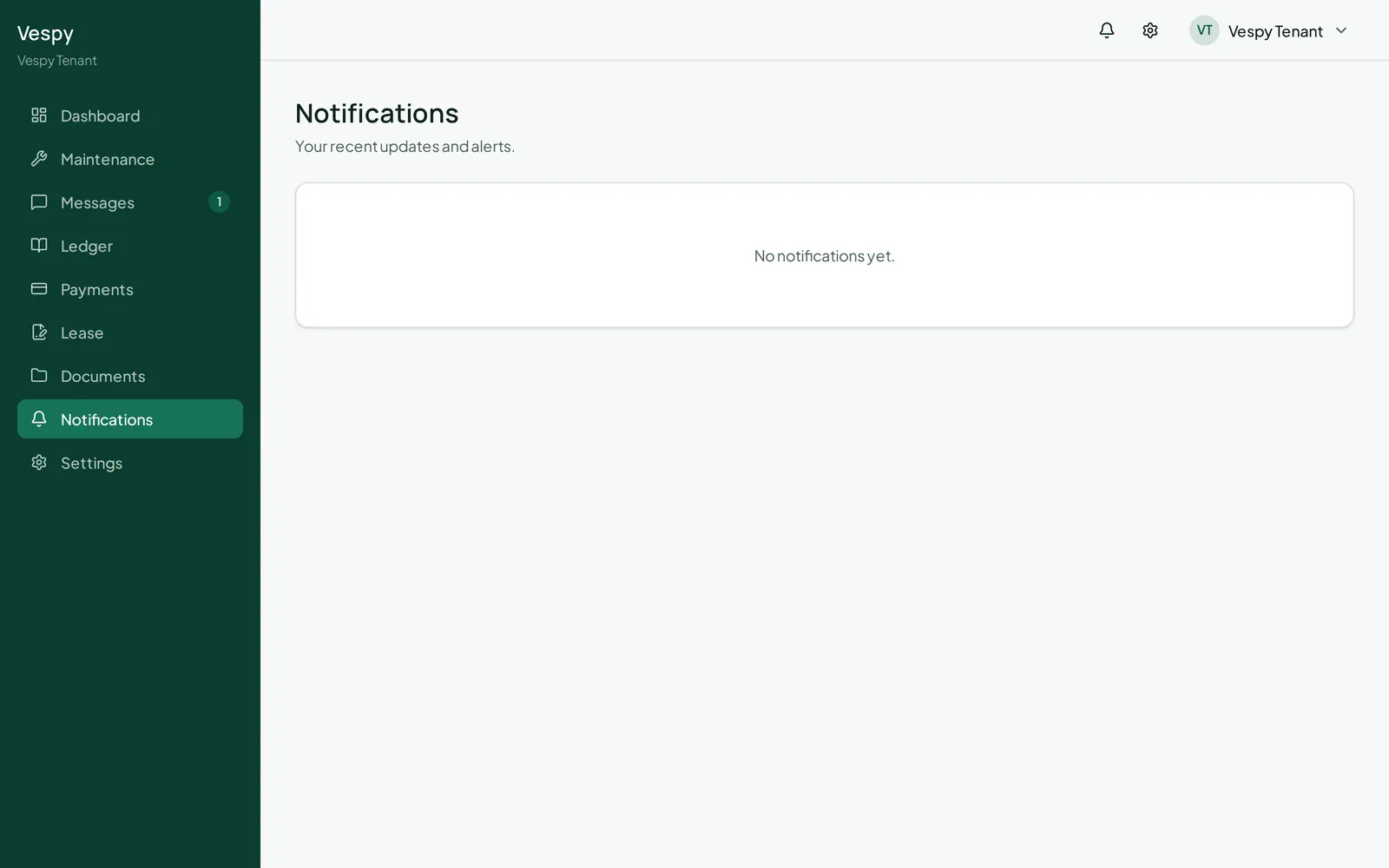
Section titled “Notifications”Notifications lists everything you’ve been alerted about — clicking one marks it read and takes you straight to whatever it’s about.
Afterwards
Section titled “Afterwards”- Notification preferences and contact info — choose how and when you’re notified.